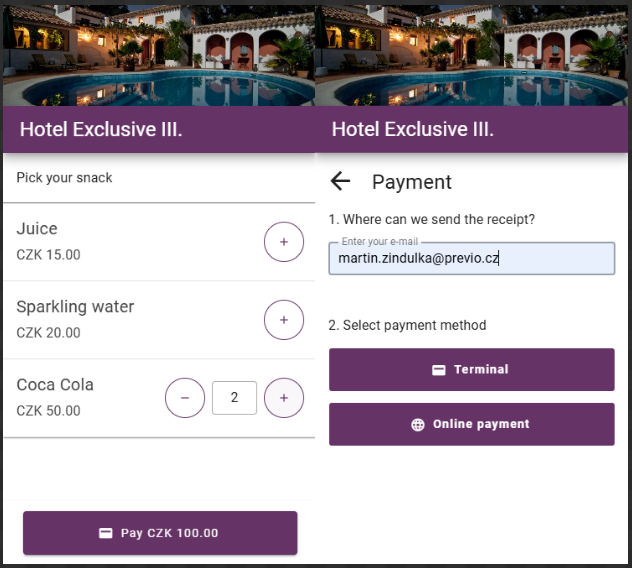
Self-Service Bar
This module is designed for all accommodation providers who have set up a “self-service bar” in the hotel’s public areas, where guests can help themselves to various snacks and beverages at their leisure. Guests report and pay for their purchases using a generated QR code.
In this module, you can easily automate these sales, including payment selection and integration with stock item transactions. A connected online payment gateway or terminal is required for this feature to function.
Self-Service Bar Settings
After clicking to add a new self-service bar, you must specify the basic settings:
- Bar name (especially important if you have multiple bars)
- Payment methods – option to pay via an online gateway / a payment terminal located at the bar / option to pay via either terminal or gateway
- Items for sale – from the list, select which of the defined inventory items are available at your self-service bar (the list is divided into categories based on segments for better navigation).
After saving the settings, the self-service bar you created will be added to the list. As mentioned earlier, you can create multiple bars in the same way.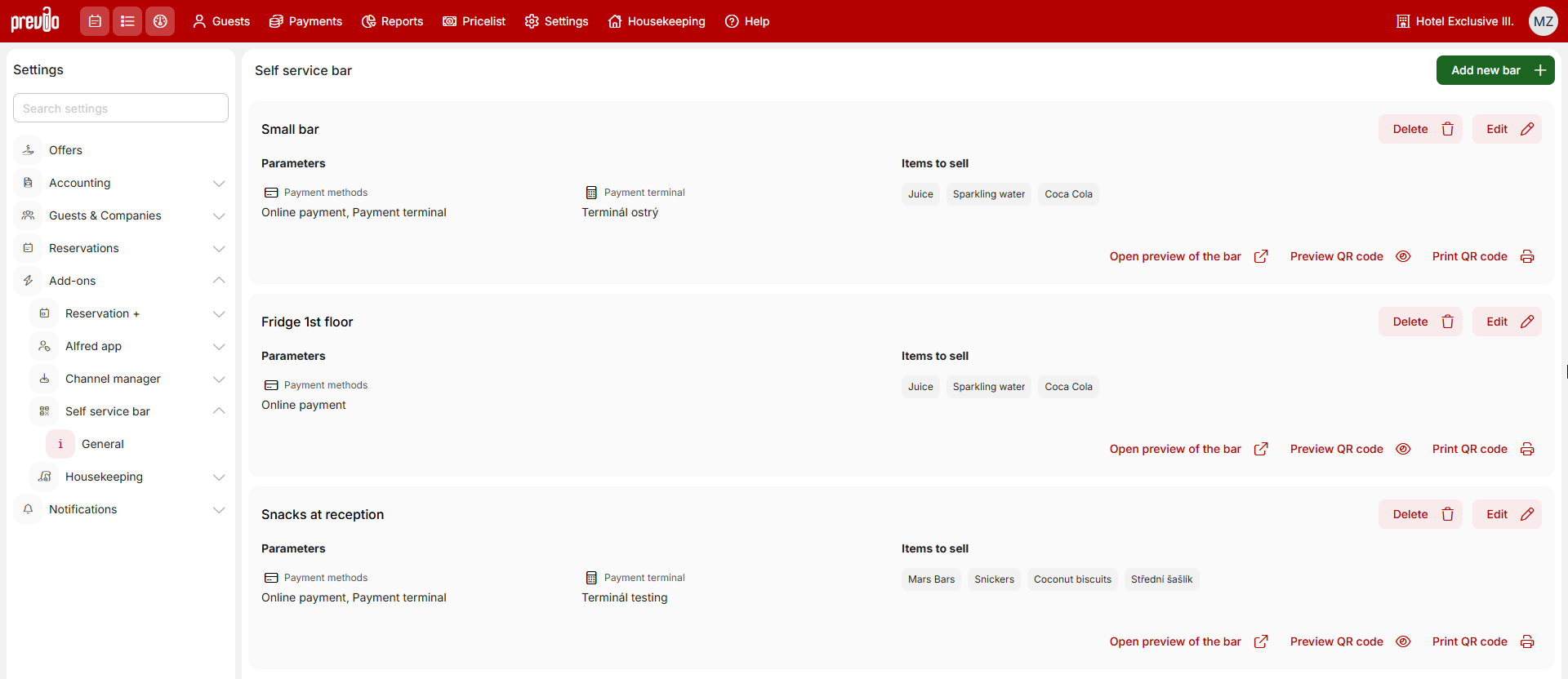
Using the self-service bar
For each individual bar, you can view basic information about the settings and have the option to print/display a QR code pointing to a specific point of sale. When printing the QR code, you also specify the language in which the instructions for use will appear below the QR code. The result looks like this:
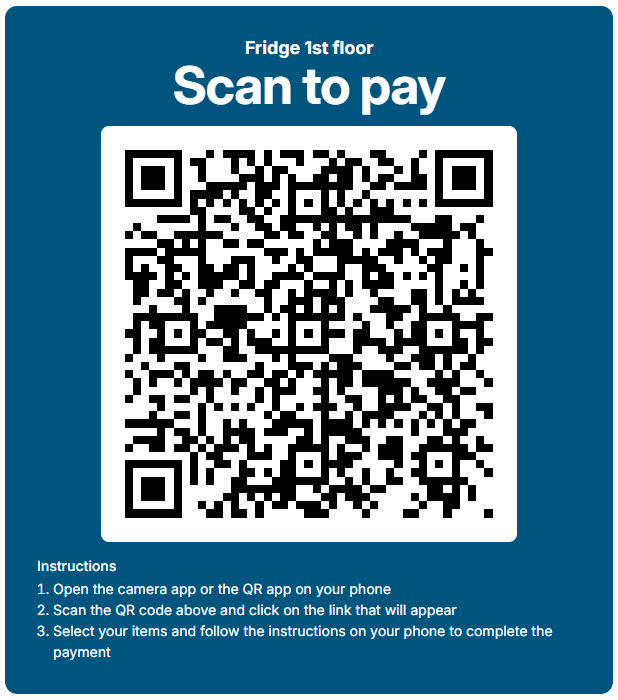
Simply print the generated QR codes or display them on any device located near the self-service point. After scanning the QR code, guests are presented with a simple interface where they can select their items and, in the next step, after entering the email address where the receipt will be sent, pay via an online gateway or terminal (depending on your settings).
Once the payment is complete, a document confirming the payment is sent to the guest’s email. You can find the same document in your Documents list in Previo, and the paid items will be deducted from stock items.