


Marketplace
You can access the Marketplace module from the My Connections module by clicking on the option to create a new connection. The Marketplace is divided into two main sections
- All channels – this section contains all the portals that can be connected to your profile for a given country, including those that you already have connected.
- Unpurchased Channels – a list of distribution channels that you do not yet have connected.
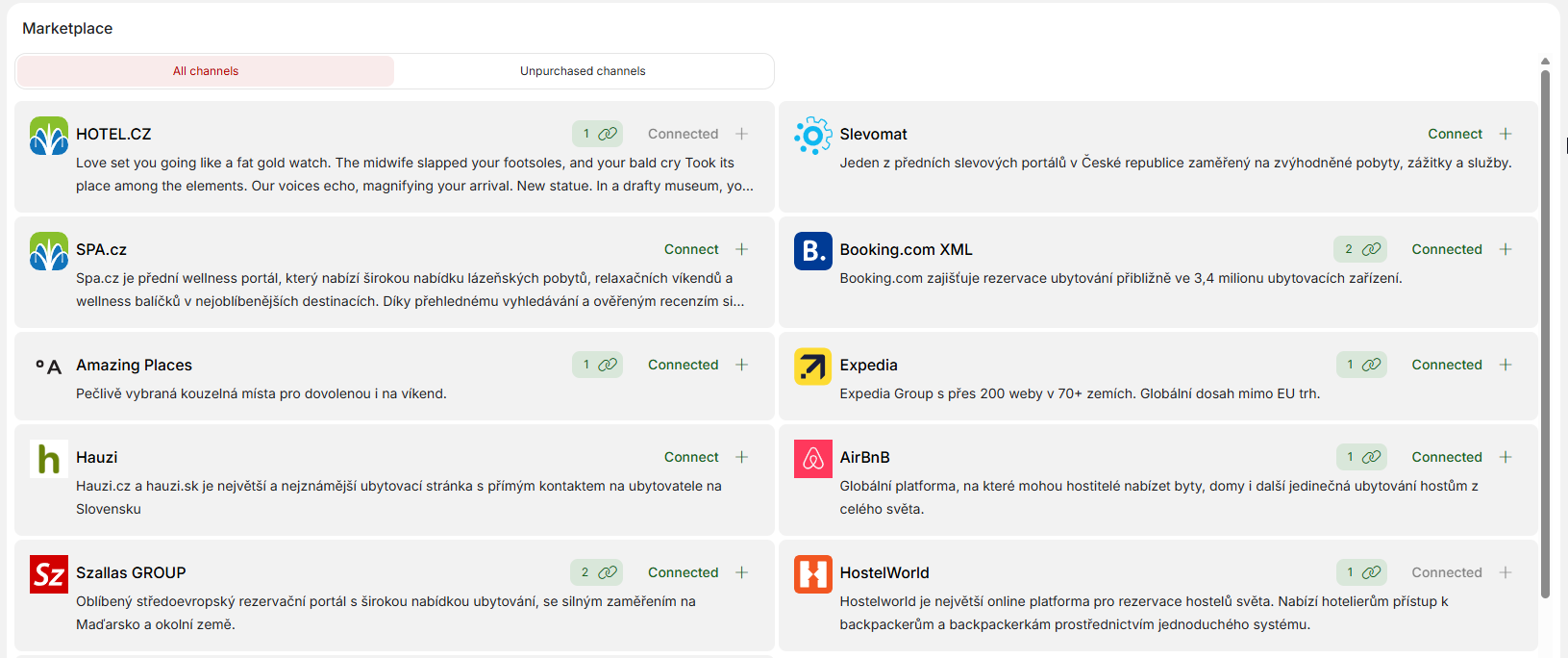
Within the Marketplace module, you can request to connect a new portal by clicking on the “Connect+” button for the specific portal.
The connection conditions may vary between partners, but for all portals, after confirming the following window, a request will be sent to our channel manager team, who will take care of setting up the connection and will contact you if anything needs to be clarified.
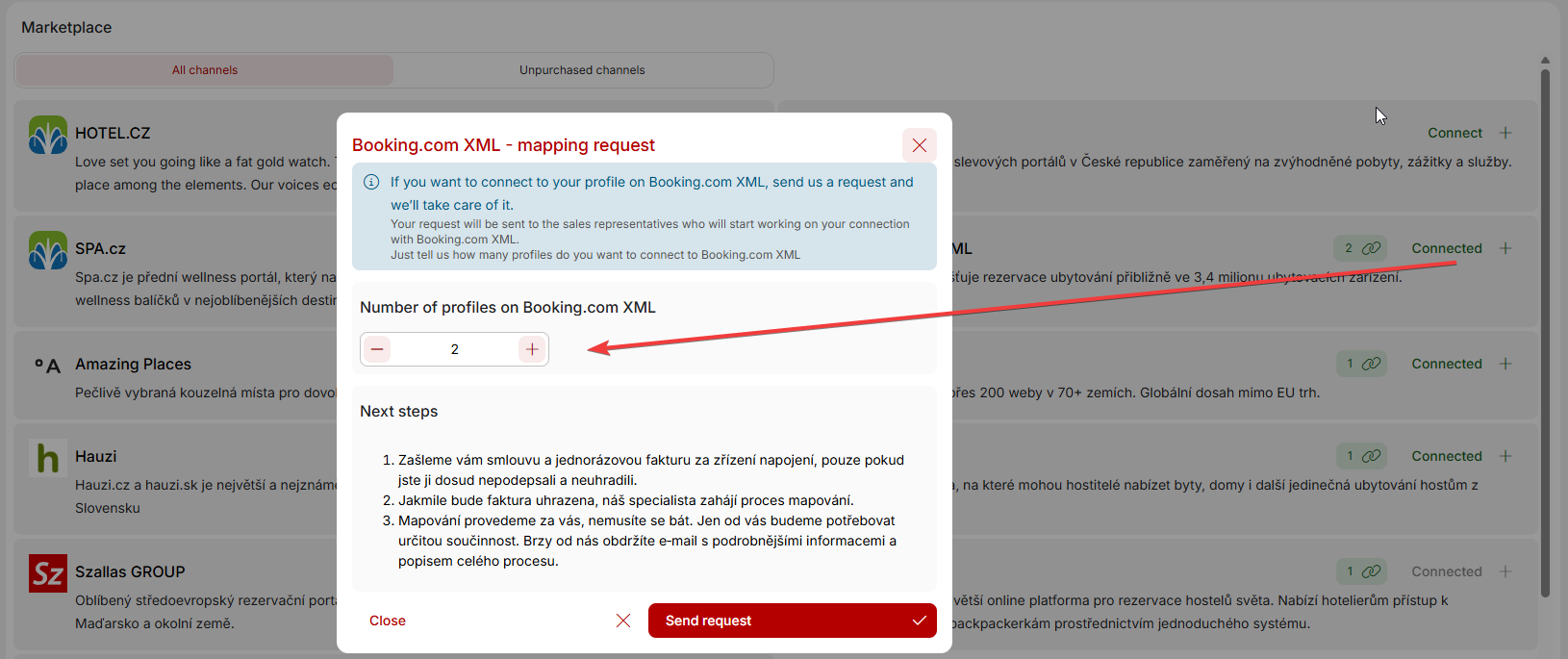
For already connected portals, you also have the option to request an extension of the existing connection with new profile. This is particularly advantageous if you are an apartment operator and are expanding your accommodation offer with additional apartments that have their own profiles, e.g., on Booking.com or Airbnb. For a specific portal, simply increase the number of connected profiles and we will contact you regarding the connection adjustment.
The advantage, as with the “My Connections” module, is that requests sent from this module go directly to our channel manager team, who will respond to them faster than if you call or write to our general support.